The reply sounded finished. The email was still missing.
Someone sends a short inquiry. It names the work, the budget, and the date. It never gives an email. A model writes a polite reply that sounds ready to send. The email is still missing.
That is LeadFlow. You can run Taylor's inquiry there. It is fictional. Nothing in it gets emailed.
The short version
Taylor at Fieldwork wants a website redesign before a January launch. The budget is around $8,000. There is no email address in the message.
I ran that message on the live demo. The page pulled out the name, the service, the timing, and the budget. It marked the email Not provided and listed email under missing intake details. It saved the result for a person to review. It did not send anything.
The draft was polite. It asked about scope, features, and a timeline. It did not ask for the email. The list caught the gap. The reply did not.
The message
Hi, I'm Taylor from Fieldwork. We need a website redesign before our January launch. Our budget is around $8,000. Can we discuss the project?
A person skimming that would hear a real project. A model asked to “just reply” can fill in a price, a start date, or an address the customer never gave. The answer sounds finished because the tone is finished.
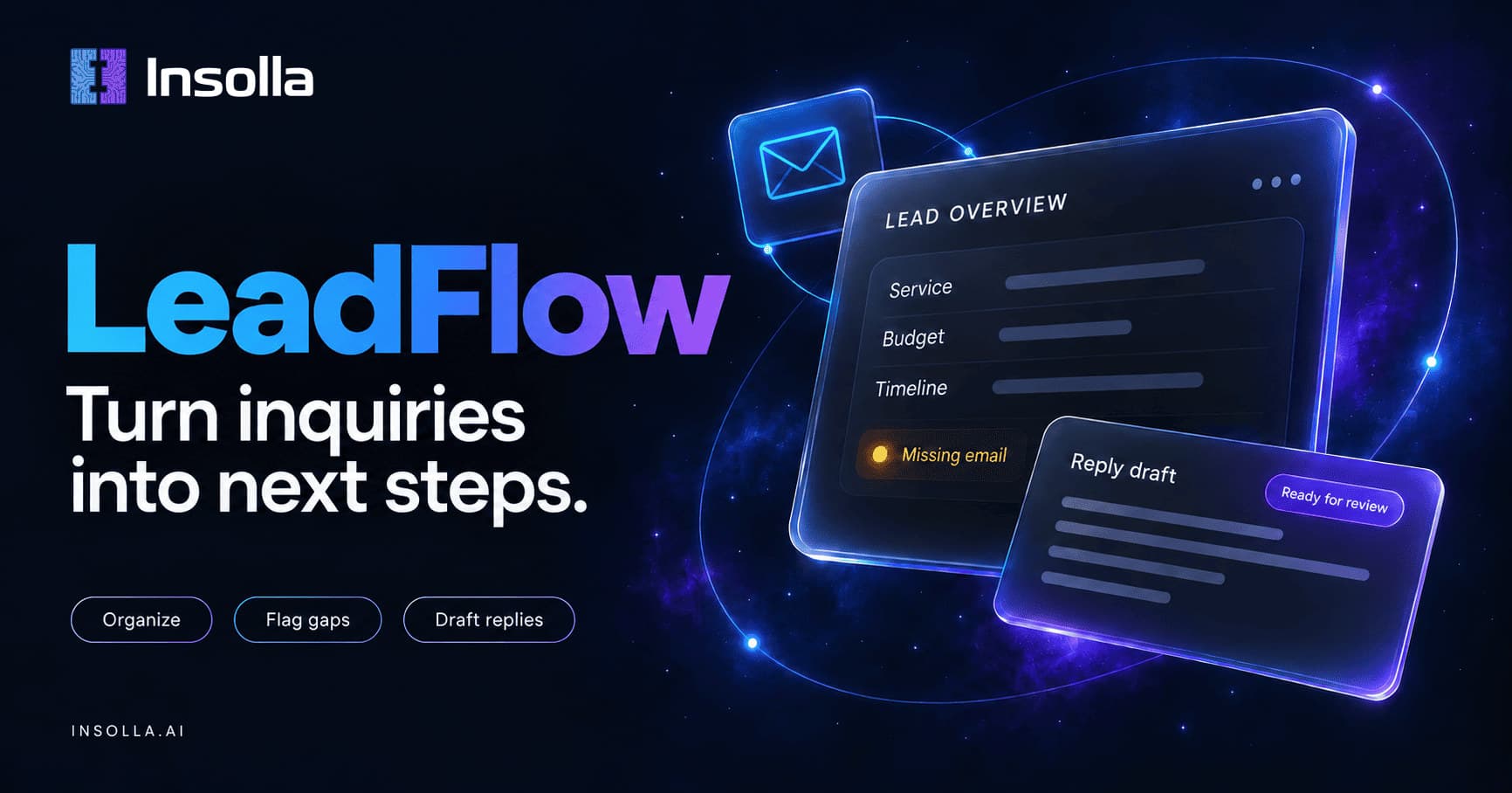
LeadFlow is the step before that send. One inquiry becomes organized facts, a list of what is still missing, and one reply draft. A person reads it. The app does not book a meeting, update a CRM, or speak for the business.
Two calls, and a check in between
The first model call extracts the facts. The second call writes the draft. Ordinary code sits between them.
After the first call, each contact and detail has to appear in the message or it is thrown out. An invented email does not survive because it looks like an email. The summary is allowed to rephrase. The draft is written from the kept facts and the missing list, not from the original message.
On this run the kept facts were quotes: website redesign, before our January launch, around $8,000. The email stayed empty because the message has no @.
Fieldwork was stored as the location. The word is in the message, so the check kept it. The check does not know that Fieldwork is a company. A phrase can be real and still sit on the wrong field. That is why the screen shows the facts instead of hiding them behind the reply.
The draft is not the check
The missing list is code. For this fictional agency, an email is required, and Taylor did not give one. That part does not depend on how the model feels.
The draft is a suggestion. This time it asked for three other things and skipped the one field the list had flagged. A person reviewing it would add the email request, or decide the draft was not ready. Sending it as written would continue a conversation that still has nowhere to go.
The result said Saved to private demo tracker. In the database the row is needs_review. The status is the default. The app never marks an inquiry approved.
Try the same inquiry
Open the agency sample, confirm the demo-data box, and organize it. Your draft may ask for the email. Mine did not. The missing list should still say email.
The other two samples already include an email, so they hide this beat:
The repository is Insolla-LeadFlow.
Questions
Did it email Taylor?
No. Taylor is fictional, and the app does not send email.
Is Fieldwork a place?
No. It is the company name in the sample. The extractor stored it as the location because the word appears in the message.
Can I paste a real customer's email?
Use the sample. The form asks for fictional or anonymized demo information. A live submission is saved in a private tracker so I can review that run. It is not a place to put someone else's inquiry.
Does a saved row mean the lead is qualified?
No. Saved means the organized result is waiting. A person still has to read the facts and the draft.