Product Engineering · Applied AI Workflow
LeadFlow
Turn Every Inquiry Into a Clear Next Step
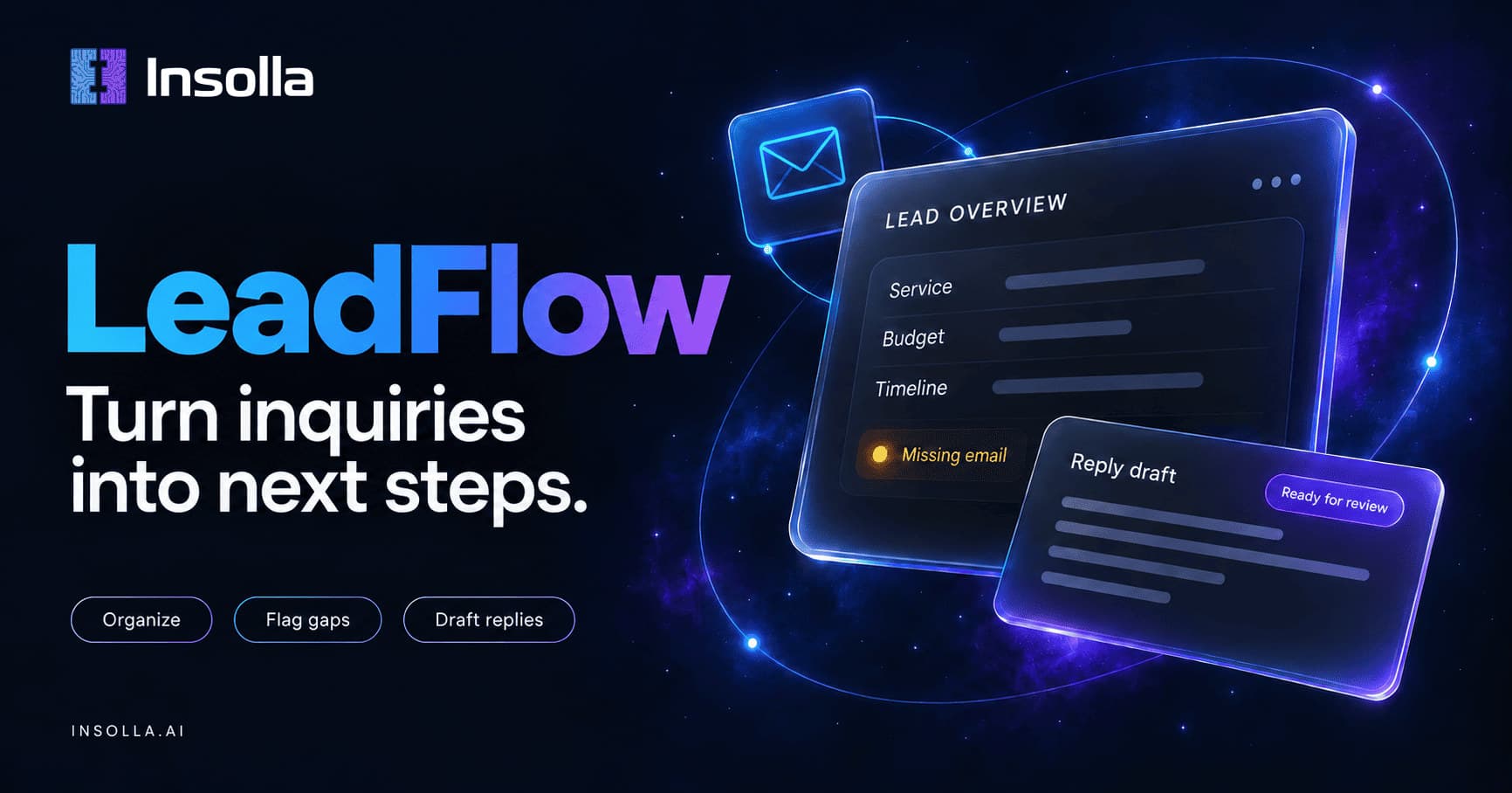
I built LeadFlow, a small web app that turns a customer inquiry into an organized lead, flags what is missing, and drafts a reply for a person to review. The same pipeline runs for home services, agencies, and real estate.
Status: Completed
Live at leadflow.insolla.ai, with the code public on GitHub. It is an independent portfolio and sales demo that runs on fictional or anonymized messages, and the only results reported here are ones I observed.
The Problem
A small business gets inquiries by email and web form. Someone has to read each one, work out what the person wants, notice what is missing, and write back. The slow part is not typing a reply. It is deciding what the next step is, and catching the missing detail before a back-and-forth begins.
LeadFlow is a worked example of that first step, built so a prospect can try it with a sample message and see the result.
What It Does
A visitor picks a business type, loads a fictional inquiry or enters anonymized text, and sees three things: an organized lead, a suggested destination, and a reply draft. In live mode the app also saves the input and result to a private database.
There are three presets: home services, agencies, and real estate. Each uses the same pipeline with a different business context and different required details.
Two Clearly Labeled Modes
Fixture mode
Only the three built-in messages are accepted, and the responses are prewritten. There is no AI call and no database write. It proves the interface and the request and response contract, and it says so on screen.
Live mode
The server validates the request, verifies the visitor, reserves usage, calls the model, works out what is missing, drafts a reply, and saves the result. This is the mode that proves the real processing and storage pipeline.
Fixture mode never pretends to analyze a different message: editing the text there produces an explanatory error.
How It Works
One request flows through the server in this order:
Design Decisions
Two model calls, with code between them
The first call extracts facts, ordinary code applies the business rules, and the second call writes. Each handoff is easy to inspect and test.
Grounding by source span
Contact and detail fields that do not appear in the submitted message are nulled, so an invented email cannot pass just because it looks like one. The check has a limit: a phrase can appear in the message and still be assigned to the wrong field.
Missing fields come from rules, not the model
Each preset lists the details it requires, and code compares the extraction against that list. Phone numbers are shown but not required in these presets.
Secrets stay on the server
The browser never receives the OpenAI key or the Supabase secret key, and there is no endpoint that lists other visitors' records.
Verify before spending
The Turnstile token, its action, and its hostname are checked on the server before any model call. A visible widget alone would not be enough.
A shared usage cap that fails closed
An atomic database function counts attempts across server instances. It is a demo allowance, not a complete abuse defense, and the page does not present it as one.
What It Does Not Do
The boundary is part of the design:
- •It organizes a message and writes a draft. A person reviews the draft, and nothing is sent
- •It does not deliver email, book calendar time, or sync with a real CRM
- •The destination it shows is a suggested queue label, such as New inquiries or Manual review, and saving happens in a demo database
- •It does not deduplicate retries or merge repeat inquiries, so two successful submissions create two rows
Testing and What I Observed
Thirty-six automated tests cover the contract, the grounding logic, the fixture samples, the verification and usage checks, and the endpoint. The external services are mocked in those tests, so a green suite alone does not prove that the keys, the database, and the visitor check work together. The production build and type check pass.
The live run is that proof. On the deployed site, the agency sample for Taylor at Fieldwork was organized and drafted in 3.9 seconds and saved to the private tracker. The email came back empty and the missing list was exactly the email field. The reply draft asked about scope, features, and timeline, and it did not ask for the email. The missing list comes from code and the draft comes from the model, so a person still has to read the draft.
One known miss: Fieldwork was stored as the location, because the word appears in the message. The source-span check confirms that a phrase is in the message. It does not confirm the phrase belongs in that field.
Not done yet: a small evaluation set of 10 to 15 fictional inquiries, with the expected fields, omissions, and destination reviewed by hand. One observed run is a demonstration, not a measured rate.
Scope and Limits
LeadFlow is an independent portfolio and sales demo. It uses fictional or anonymized messages, and the public copy makes no fixed data-retention promise. The model call is set not to store the request with the provider, which is not a blanket guarantee that nothing is retained.
For a paid client system, the next step would be a real destination, such as a CRM record, an inbox label, or a review queue, chosen from discovery. That scope would add customer-specific access, deduplication and retry rules, approvals, retention, and failure alerts. A working demo shows capability. It does not show business results.