Day 5 of Document Extraction Workbench: A quote on the page is not proof the total is right
Day 5 checks the evidence. Invoice 1 passed with no issues. A quote I invented, Total: 999.00, was flagged. Invoice 3 stored 9.00 while the page says 90.00, and that one still passed.
The short version
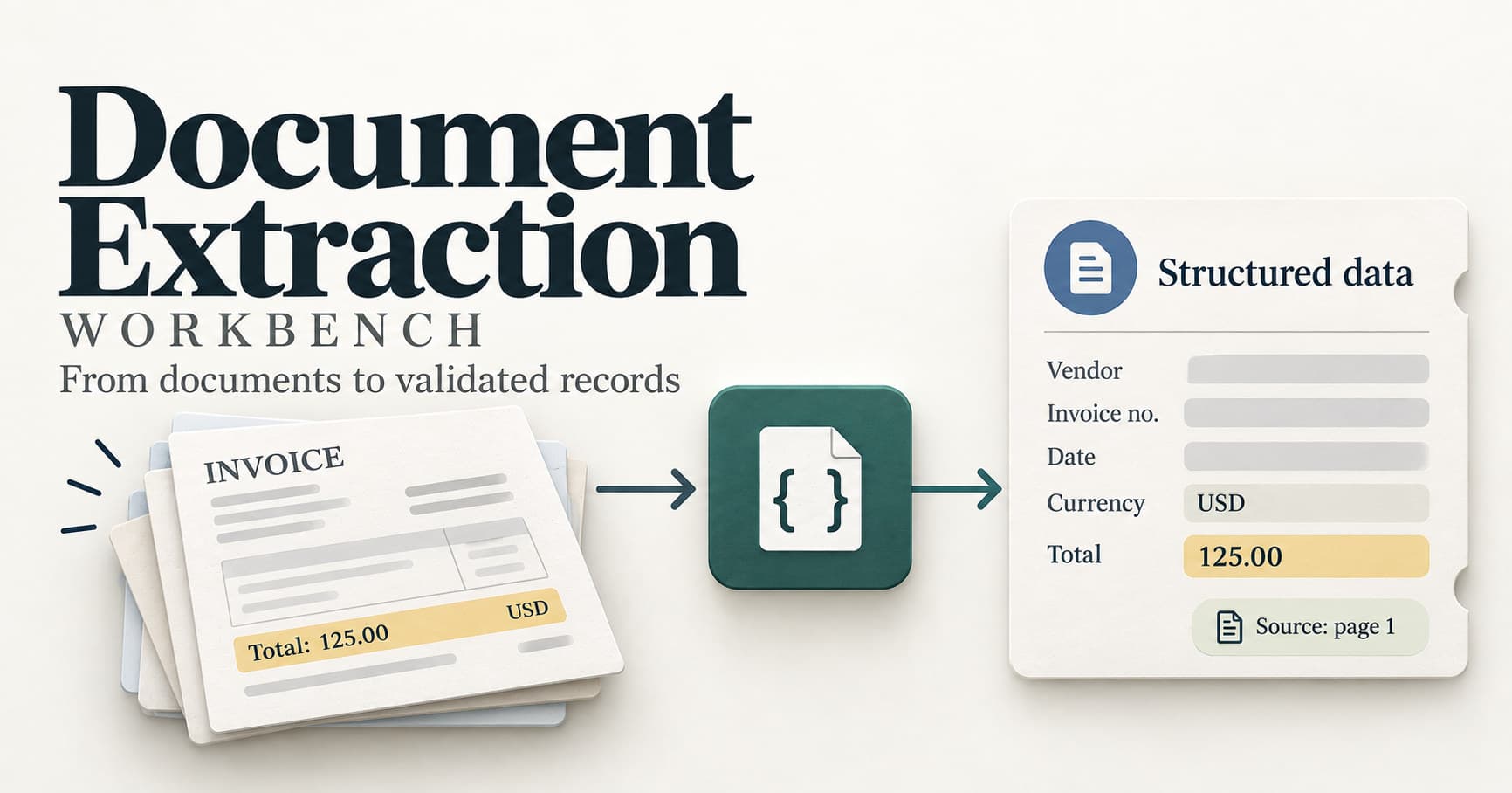
Day 4 cleans a date, a currency, and a total. Day 5 asks a second question: is the quote for that value actually on the page?
I still did not call a model. Mock mode loads a saved answer from work/data/mock, then validate_record checks it. The answer key is not part of that check.
What the check does
validate_record walks the five fields. For each one it cleans the value with normalize, then checks the evidence.
A missing value becomes an issue, currency: missing, and the record is marked for review. A page number has to point at a real page. The quote has to be present. For a text document, the quote is compared with that page after the spaces are collapsed and the letters are lowercased. If those words are not on the page, the issue is total: quote not found on page.
needs_review is true when the issue list has anything in it.
Invoice 1 came back like this:
"values": {
  "total": "125.00"
},
"issues": [],
"needs_review": false
Every quote was on the page, and the total cleaned up to 125.00.
Invoice 2 has no currency line. The check did not crash and it did not guess USD.
"values": {
  "currency": null,
  "total": "42.50"
},
"issues": [
  "currency: missing"
],
"needs_review": true
raw in the printout is the saved answer. values is that answer after normalize.
What broke when I changed one quote
I edited only the total quote in the saved answer for invoice 1, from Total: 125.00 to Total: 999.00. I left the value at 125.00.
The cleaned total stayed 125.00, because that amount is still valid. The review flag came from the quote:
"issues": [
  "total: quote not found on page"
],
"needs_review": true
I put the original quote back. The fake quote did not stay in the repo.
What this check does not prove
needs_review: false means these checks found nothing wrong. It does not prove the invoice is correct.
Invoice 3 is the case. The page says Total: 90.00. The saved answer says:
"total": {
  "value": "9.00",
  "quote": "Total: 90.00",
  "page": 1
}
9.00 is a valid amount. The words Total: 90.00 really are on the page. The quote check looks for those words. It does not ask whether 9.00 and 90.00 are the same number. Four separate questions can all be answered differently for this one field:
- The shape is valid. The total is a string in the right field.
- The business rule is valid.
9.00is zero or more, with two decimal places. - The source check passes. The quote is on page 1.
- The fact is wrong. The answer key says
90.00.
The scorer catches that last one. On the three development invoices, the total was right 2 times out of 3. The other four fields were 3 out of 3. That score is the saved practice answers, not a live model. Invoice 2 is the other half of the report: its currency is correctly missing, so the score counts it right, and needs_review is still true.
What I set up on Day 5
Day 5 was two commits.
feat: check source quotes and flag records for review.validate_recordnow cleans each field, checks the quote, and setsneeds_review.docs: record what a passing quote check does not prove. The journal records the999.00quote and the9.00case.
Frequently asked questions
What does needs_review false mean?
These checks found nothing wrong. It does not prove the total is the one on the page.
Why did Total: 999.00 get flagged?
Those words are not on invoice 1. The value 125.00 was still valid, so the issue is total: quote not found on page.
Why can 9.00 pass the quote check?
The saved quote is Total: 90.00, and that line is on the page. The check searches for the quote. It does not compare 9.00 with 90.00.
Did a model read the invoice today?
No. The answers came from saved practice files. The next check is the one that compares the saved total with the amount written in its own quote.
Next up
The next check compares the saved total with the amount written in its own quote. I will write about what I learn as I go, including the mistakes.
Related: Day 4 of Document Extraction Workbench: Cleanup is code, not a sentence in the prompt