Day 2 of Document Extraction Workbench: A missing fact is null, not blank and not zero
Day 2 was one small commit. I used the two classes that came with the starter, typed the values from the page myself, and wrote down what null, an empty string, and zero each mean.
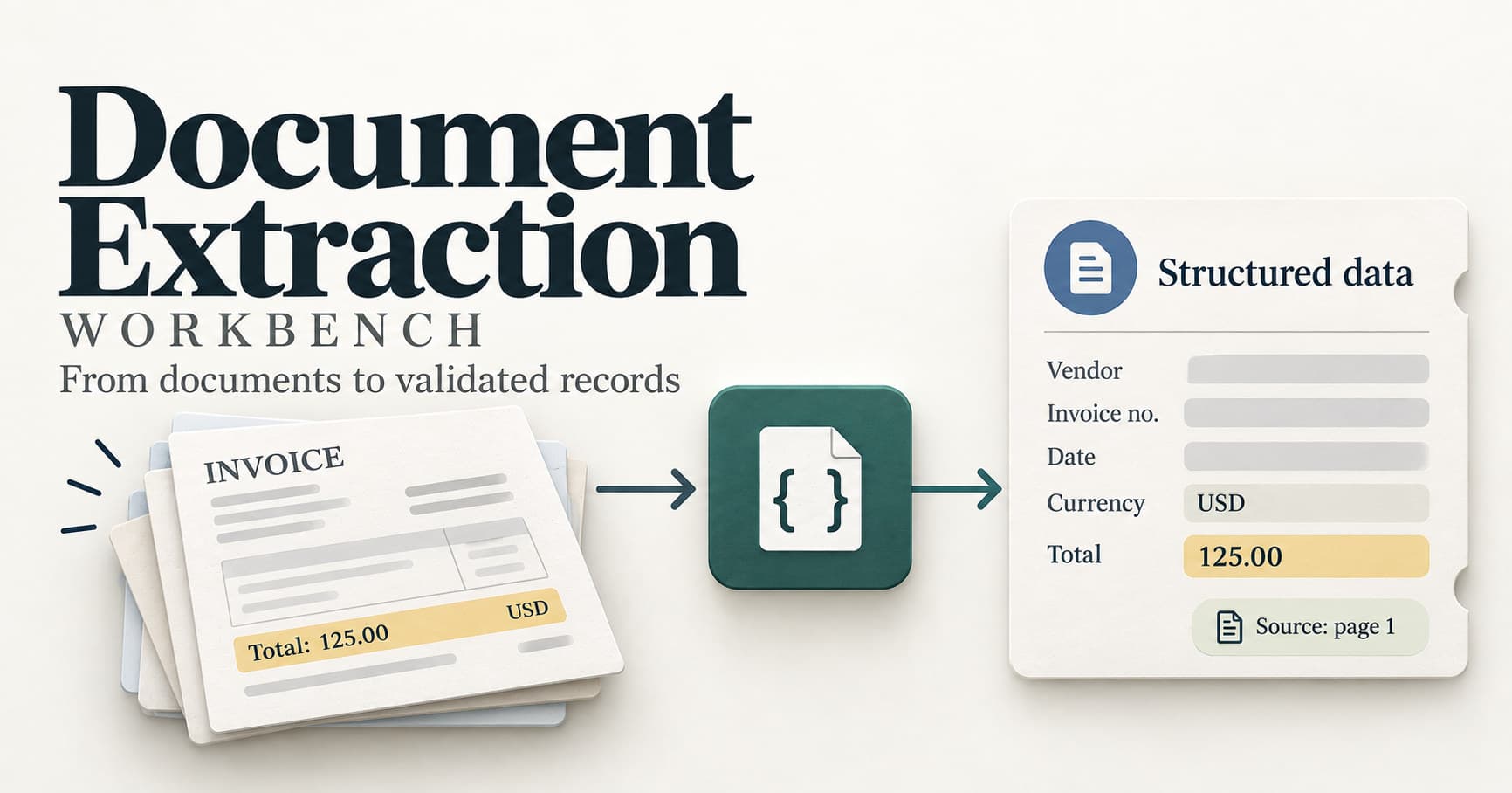
The short version
On Day 1 I wrote down the rule: if the page never gives a fact, the value stays null. Day 2 was about the shape that rule lives in.
Every answer the program gives is one small record with three parts: the value, the exact quote from the page, and the page number. A missing fact is a record that is still there, with nothing filled in.
The record: a value, a quote, and a page
The two classes came with the starter, in work/contracts.py. I did not change that file.
class FieldValue(BaseModel):
    value: str | None
    quote: str | None
    page: int | None


class Invoice(BaseModel):
    vendor: FieldValue
    invoice_number: FieldValue
    date: FieldValue
    currency: FieldValue
    total: FieldValue
A FieldValue for the total on the first invoice prints like this with model_dump_json:
{
  "value": "125.00",
  "quote": "Total: 125.00",
  "page": 1
}
And a field the page never supplied still has its slot, with nothing in it:
{
  "value": null,
  "quote": null,
  "page": null
}
Three ways a field can look empty
This was the point of the lesson. Three things can all look like "nothing" on a form, and they mean different things:
nullmeans the page never gave that fact.""is a blank string, which is still a value.0or0.00means the page really said zero.
Mixing them up causes quiet damage. If a missing currency were saved as an empty string, a later check could treat it as an answer. If a missing total were saved as zero, it would look like a free invoice. Keeping null separate means the program, and the person reviewing it, can tell a missing fact from a real one.
What I set up on Day 2
Day 2 was one small commit: the journal entry in work/NOTES.md.
The two classes, FieldValue and Invoice, were already in work/contracts.py from the starter. I did not change that file. I imported them in the Python prompt and printed the JSON with model_dump_json.
git add . staged one file this time. The ignore list from Day 1 kept the virtualenv and .env out.
Frequently asked questions
What is a FieldValue?
One extracted fact: the value, the exact quote, and the page number.
Why is 125.00 in quotes?
Extraction and cleanup are separate steps. The raw value stays text until a later lesson checks dates and amounts.
What does null mean on a field that is still present?
The form still has that field. The page never supplied a value, a quote, or a page for it.
Did a model read the invoice today?
No. I typed the values myself from the page.
Next up
Next is reading the page itself: getting the words out of a text file and a PDF, still before any model is involved. I will write about what I learn as I go, including the mistakes.
Related: Day 1 of Document Extraction Workbench: The page never said the currency